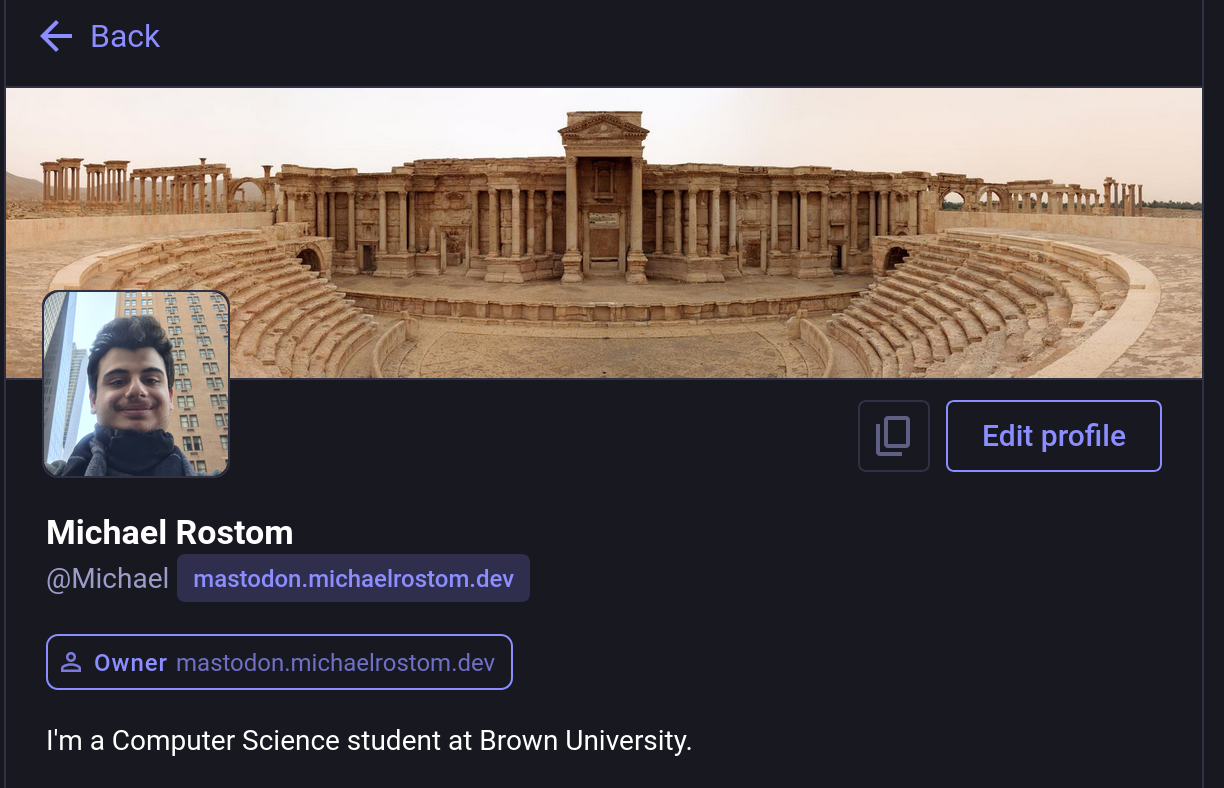
Hello Fediverse: My Personal Mastodon Server Is Live!


Today, I was able to successfully launch my own personal instance of Mastodon running on my Raspberry Pi.
Some notes about the process:
- Independence: In my journey to gain more independence in my digital life. I am trying to take back control of what I can of digital services. Now the time has come for social media. Hosting your own instance makes sure that what you write and post on there is yours forever and nobody can take it away from you. I don't have to pay for that privilege using my personal data no more.
- Openness: The openness of the fediverse insures that this server that I spun up gets access to other people posts in the same way that mastodon.social has for example
- Setup: It was way easier than I thought; I followed the official guide on joinmastodon.org. It has a lot of steps and commands(maybe a script can do most of these). But following the steps was easy and I had no hiccup with getting it up and running on the local host.
- Conflicts: I Had my first port conflict as it often happens with running multiple services on a single server. Both my Forgejo and Mastodon instance run on Port 3000 by default. So began the journey of trying to rebind the Mastodon port. There were so many places were you had the change the port. I wish they kept a single configuration file that you can change once. But I got it done.
If you are thinking about doing the same. Do it! It is not that hard, you will learn new things in the process, and you gain some independence back.
Check out my profile: https://mastodon.michaelrostom.dev/@Michael
Or through my handle michael@mastodon.michaelrostom.dev